How to convert a scanned resume into editable, checked text
Turning a scanned or photographed resume into real text, and catching the errors that matter before an employer does.
6 minute readPublished Updated
Short answer
A scan is a picture of words, so nothing can search it, extract it, or let you edit it. Convert it to real text before anything else in your search, then proofread the conversion against the original page. Character recognition tends to be reliable on prose and least reliable on exactly the parts of a resume that are factual: dates, figures, employers, and contact details.
Do this next
- Scan flat and straight at a high resolution, 300 DPI or more, or photograph in even daylight.
- Run the page through character recognition and keep the original beside it.
- Proofread every date and figure character by character, not by reading for sense.
- Check employer names, school names, the email address, and the phone number.
- Save the corrected text as your working copy and stop sending the image.
Why a scan is a dead end
A scanned resume is a photograph of text, not text. Applicant tracking systems have nothing to extract, recruiters cannot search it, and you cannot edit it. If your only current copy is a scan, a printout, or a photo of an old resume, converting it to real text is the first step of any job search.
Optical character recognition (OCR) does the conversion, and its output is a draft. The errors it makes are the ones that matter most on a resume, and they are quiet.
Where OCR goes wrong
OCR commonly reads clean print well, but resumes concentrate its weaknesses: proper nouns it cannot spell-check (employers, schools), digits (dates, phone numbers, metrics) where a single misread character changes the fact, and dense formatting that scrambles reading order.
- Dates2018 read as 2013, or month digits swapped.
- Numbers$150K becoming $50K, 15% becoming 1.5%.
- Employer and school names mangled into near-words.
- Email addresses and phone numbers off by a character.
- Two-column layouts interleaved into nonsense order.
- Low-contrast scans dropping characters silently.
A conversion workflow that catches errors
Scan flat and straight at a high resolution (300 DPI or more) or photograph in even light. Run OCR, then proofread against the original with priority on the high-risk items: every date, every number, every name, every contact detail, character by character. Prose errors are cosmetic; digit errors are factual.
This is how our importer handles scanned PDFs and photographs. A page with no usable text layer is transcribed by AI vision rather than classical OCR, which is what lets a two-column layout be read in its intended order instead of straight across. A region the model cannot read clearly is meant to be marked unreadable rather than guessed at. Because a transcript carries no per-character confidence score, we do not pretend to know which words are shaky: every high-risk fact read off a page image (dates, numbers, employers, degrees, certifications) is flagged for your review, not just the ones a confidence threshold would have caught. Check those against the original page yourself, because a transcription can still be wrong.
Photo & Scan Readability Check
Point a photo or scan of your resume at this check to see whether it is sharp and well-lit enough to turn into real text.
Your file is read in this tab only. It is never uploaded, and its name, contents, and measurements are not saved or logged.
JPG, PNG, or WebP. It is read in this tab only and never uploaded.
Local preview (not uploaded)
After conversion, retire the scan
Once the text is verified, treat it as your master source going forward and keep it current, so you never depend on OCR again. Export future resumes as text-based PDF or DOCX; never send the scan itself to an employer when an alternative exists.
Common questions
What accuracy can I expect from OCR on a resume?
Is it safe to upload my resume to a free OCR website?
My old resume is only on paper. Photograph or scan?
Use this in Handmade Resume
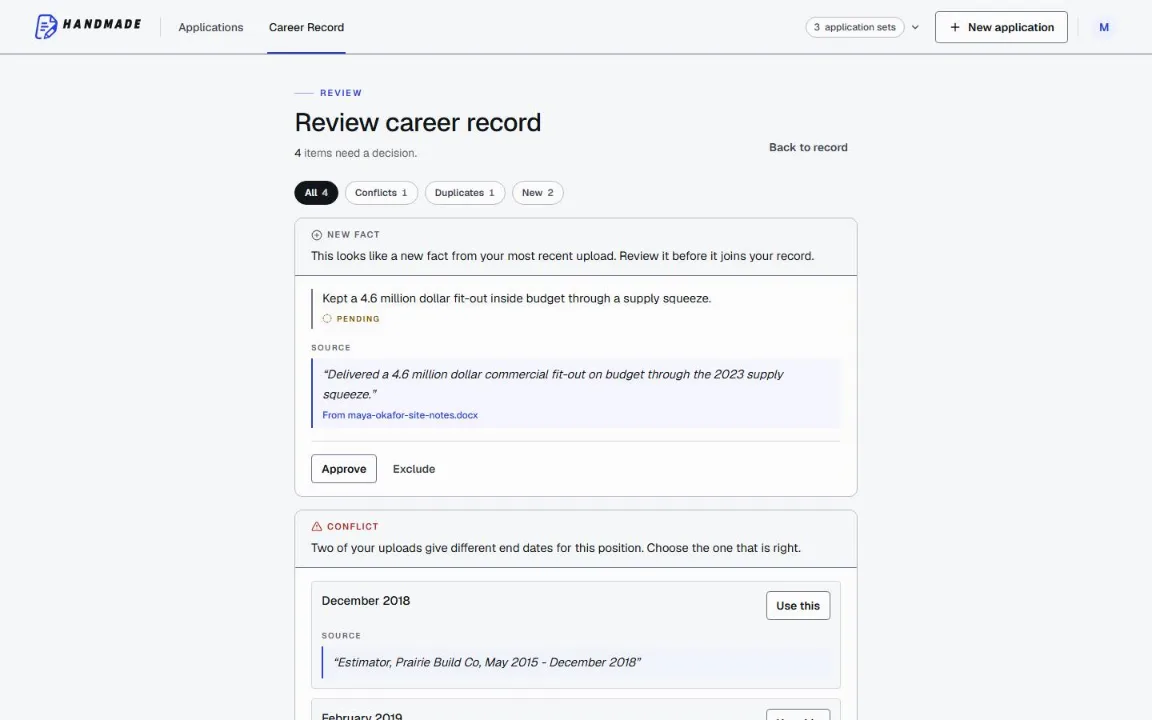
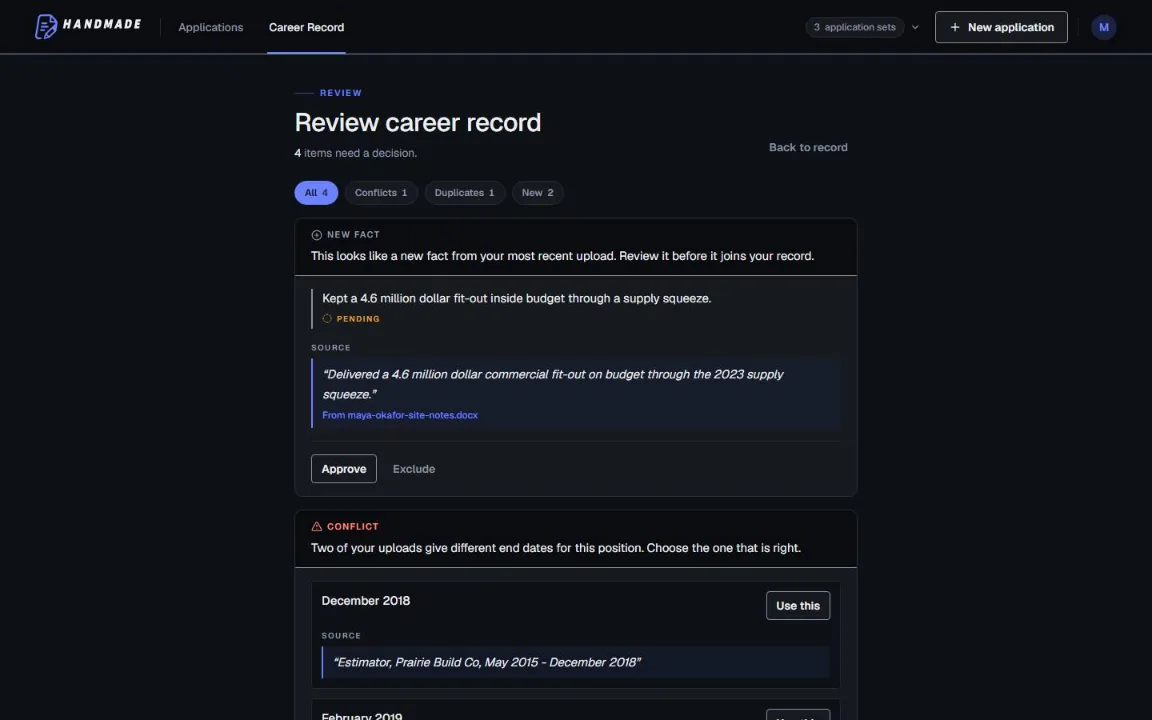
Keep your full work history in one Career Record, then tailor the top of your resume for the role you want. You can edit every line before downloading a format-checked PDF or DOCX.
2 complete application sets free, at the same quality as a paid plan. No card required.