Choose your resume length, section order, and file type.
One page or two, which sections lead, and whether to send a PDF or a DOCX.
Resume format planner
Five answers, one plan
Nothing is saved or sent.
Your section order, length and template appear here.
What the planner gives you, and what the product does
Length, section order and file type are three decisions you make once; the margins, the dates, the headings and the page size are held the same way on every document you make here.
This planner, in your browser
- Takes your career stage, your years of history and whether you have publications, then suggests an order for your sections and a length to aim at.
- A plan computed from the answers you gave. It reads nothing else, sends nothing and stores nothing.
- No template is applied here; the plan is yours to carry into any resume.
After you sign up
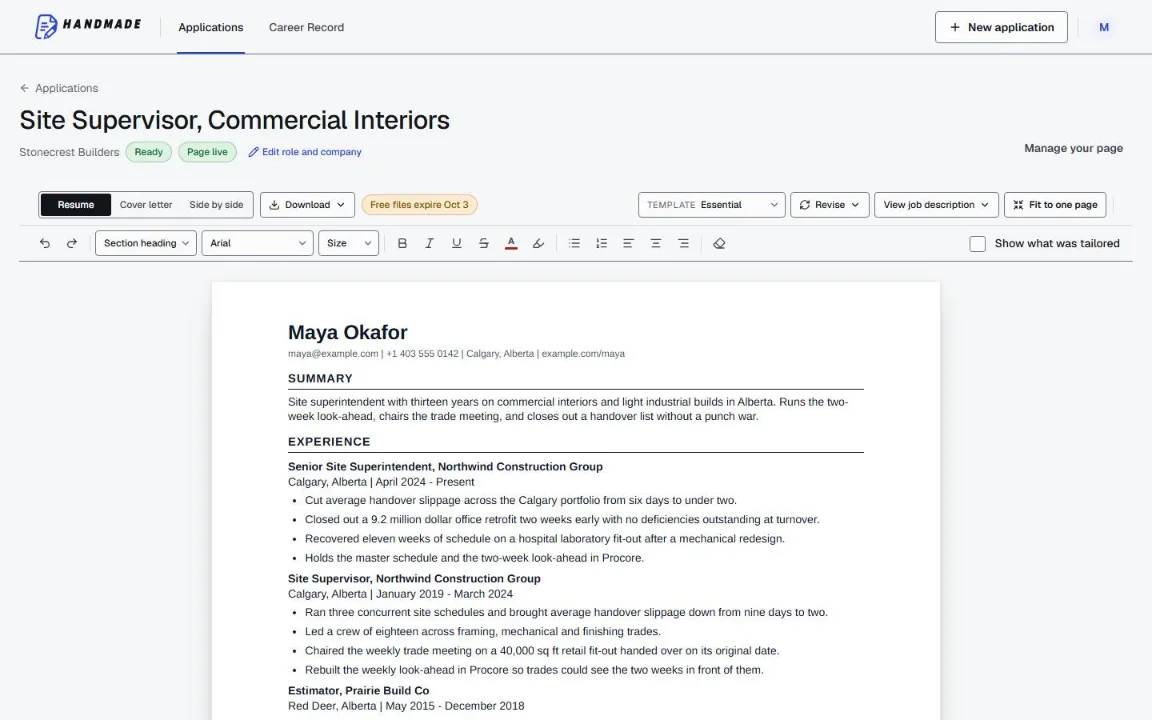
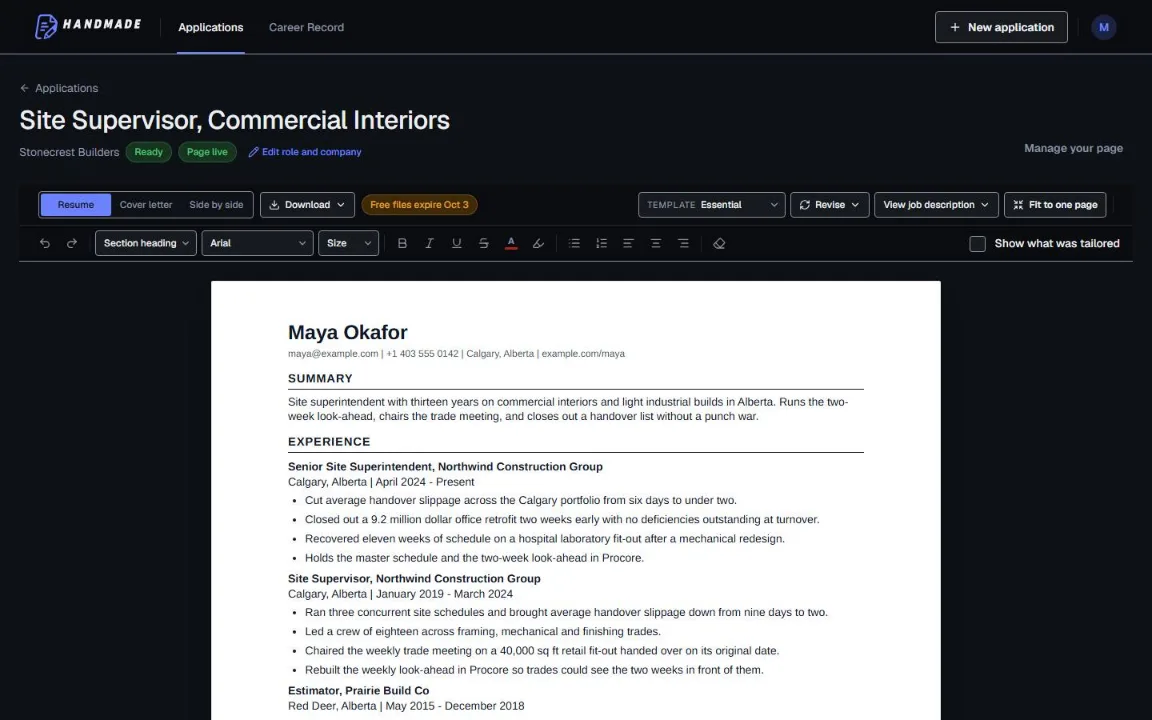
- Length and section order are decisions you carry out in the document: cut a line and the page reflows rather than clipping.
- The template, base text size and punctuation preference are set once in Document defaults and hold for every new resume.
- Both the PDF and the DOCX are format-checked after rendering, on Letter-size pages.
Deciding once, then keeping it
Make the three decisions
Length, which section leads, and file type. The planner above walks through each one against your own situation.
Set the defaults once
Template and base text size in Document defaults, plus a greeting and sign-off for letters. New resumes start there instead of being styled one at a time.
The rest is held for you
Contact header, employment metadata, dates, margins and page size render the same way every time, so nothing looks improvised.
Decide the format once, then stop thinking about it.
Length, order and file type are yours to choose. Margins, dates, headings and page size are held the same way every time.
2 complete application sets free, at the same quality as a paid plan. No card required.
Formatting advice here is general, and every export is format-checked. Employer requirements vary; we say ATS-friendly and parse-checked, never ATS-proof, and make no interview guarantees.