ATS-friendly resume: PDF versus DOCX
How to choose a resume file format on evidence, and which checks matter more than the format itself.
7 minute readPublished Updated
Short answer
Send whichever format the employer asked for, and a text-based PDF when they did not ask. Both formats extract cleanly when the file holds real selectable text in one reading order, and both extract badly when it holds columns, positioning tables, or text inside a picture. The file is the thing to check, not the extension.
Do this next
- Reread the posting and the upload form for a stated file requirement.
- Open your finished file, select the whole document, and copy it.
- Paste that into a plain text editor and read what actually came out.
- Fix anything out of order, missing, or showing replacement characters.
- Send DOCX when a recruiter may want to edit it, and PDF the rest of the time.
What an ATS actually does
An applicant tracking system stores applications, extracts text from uploaded files, and helps recruiters search and review candidates. How a given system treats your file depends on how that employer configured it, which nobody outside can see; what you control is whether the text comes out clean.
Parsing quality still matters. If the system extracts your dates into the wrong fields or loses a section, the human reviewing the parsed profile sees a worse version of you. The goal is a file whose text extracts cleanly and in order.
The honest answer on format
Both PDF and DOCX parse well when they contain real, selectable text, standard section headings, and a single reading order. Both parse badly when they contain multi-column layouts, tables used for positioning, text inside images, or decorative fonts with missing glyphs.
The employer's instruction outranks any general advice. If the posting or the upload form asks for a specific format, provide exactly that. When no preference is stated, a text-based PDF is a sound default because its layout is fixed rather than reflowed by whatever opens it; DOCX is the right choice when a recruiter may want to edit or when the form requests Word.
File Format Decision Tree
Answer four questions about your file and get one clear recommendation with the reason.
Did the employer request a format?
Formats to avoid entirely
A scanned or image-only PDF is the highest-risk file you can submit: there is no text layer to extract unless the system happens to run OCR, and not every system does. If your only copy is a scan, convert it to real text first and proofread the conversion.
- Image-only or scanned PDFs without a text layer.
- Pages exported from design tools with outlined (non-selectable) text.
- Elaborate multi-column templates where reading order is ambiguous.
- Essential contact information placed only in a header or footer, which some parsers skip.
Check the file, not the folklore
You can verify most parsing risk yourself in under a minute: select all text in the finished PDF and paste it into a plain text editor. If what you paste is complete, correctly ordered, and free of replacement characters, a parser will very likely read it the same way.
Our renderer runs this class of check mechanically on every export: text is extracted from the finished PDF and compared against the document's content model, DOCX files are independently re-converted and inspected, and page count, glyph coverage, and clipping are verified before download. We call the result parse-checked, because 'ATS-proof' is not a claim anyone can honestly make.
Common questions
Is PDF or DOCX more ATS-friendly?
Will an ATS reject my resume automatically?
Are two-column resumes always broken?
Use this in Handmade Resume
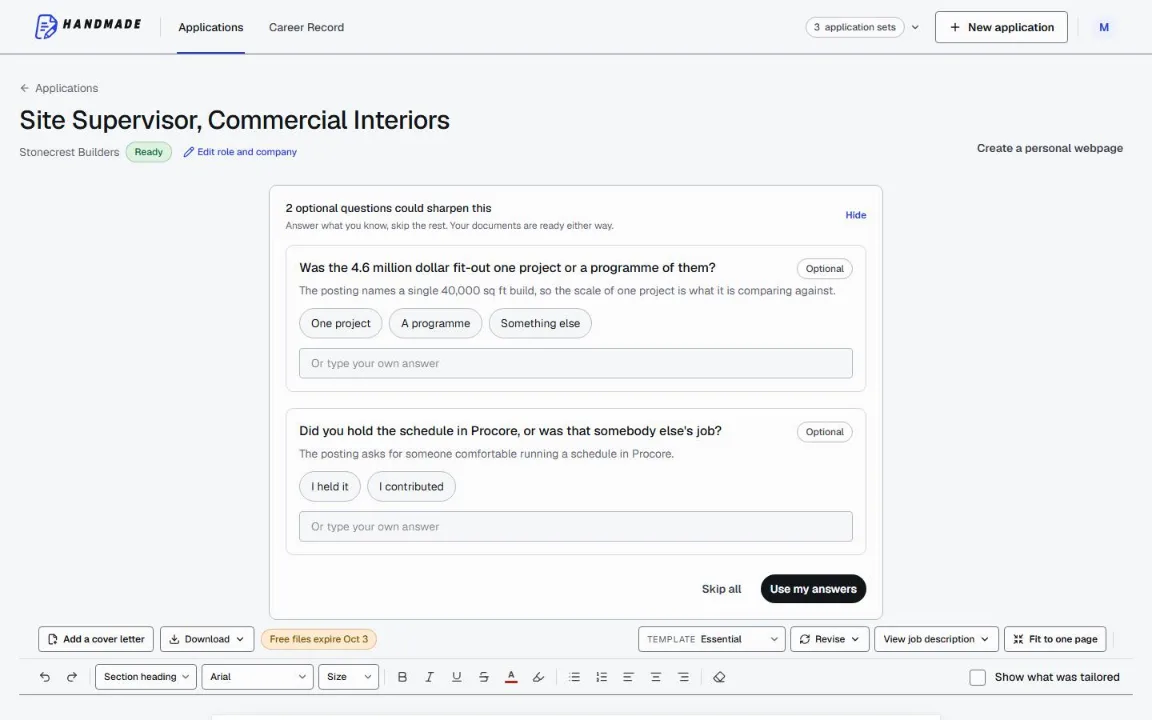
Keep your full work history in one Career Record, then tailor the top of your resume for the role you want. You can edit every line before downloading a format-checked PDF or DOCX.
2 complete application sets free, at the same quality as a paid plan. No card required.