How to write a resume that passes automated screening
What screening software automates, what it does not, and how to write for clean text extraction.
9 minute readPublished Updated
Short answer
The software is a database with a workflow on the front: it pulls your file into structured fields and lets people search them, and what a particular system then does with your file depends on the employer's configuration, which nobody outside can see. What you control is the form, where the visible automatic rules act on your answers, and the file, which has to extract as one column of real, selectable text. A file that fails to extract is not thrown away: it stays attached to your application and the recruiter is asked to type the key details in by hand, and until someone does, the fields recruiters search on are empty for you.
Source: Unsuccessful resume parse, Greenhouse Support
Do this next
- Answer the form truthfully on authorization, licences, location, and dates.
- Flatten the layout to one column under ordinary section headings.
- Spell out employer names and job titles instead of internal shorthand.
- Use one date format, on the same line as the role it belongs to.
- Copy the text out of the finished file and confirm it comes out in order.
What an applicant tracking system actually does
An applicant tracking system is a database with a workflow bolted to the front of it. It receives your file, extracts what it can into structured fields, stores the original, and gives recruiters a way to search, filter, and move candidates between stages. The automation you can see from the outside acts on the application form: a rule can fire on the answer you picked in a dropdown or a yes-or-no question, and tag you, advance you, or reject you on that answer.
Whether a system does anything more with your prose depends on how that employer set it up, and that configuration is not visible from outside. There is no published density threshold to clear and no score you can look up. Where an AI review layer has been added, what it marks and who acts on the mark are the employer's settings too, so the honest working assumption is that a person reads what the system surfaces and that you cannot know the settings in advance.
So the effort most people put into beating the software is spent in the wrong place. The two things that reliably change what happens to your application are the answers you give on the form and whether your file extracts cleanly into text. Both are under your control, and neither is slow to fix.
Where automated exclusion is real
Automated rules can remove people before a human looks, and where they do, the filter is configured by the employer rather than invented by the software. Knowing which fields commonly carry that risk tells you where to slow down.
Answer every one of these honestly. A false answer about work authorization, a licence, or a start date is easy to verify and can unwind an offer months later. Where the true answer is not the ideal one, give it, then put the mitigating evidence somewhere a person will read it: a line in the summary, a dated entry that keeps your timeline whole, or a sentence in the cover letter.
- Answers to knockout questions on the application form itself.
- Required credentials, licences, and work authorization status.
- Location, on-site expectations, and willingness to relocate.
- Employment gaps past a threshold the employer picked, where an employer has configured one.
- A minimum number of years, as you stated it in the form field.
- Salary expectations, where the form makes them a hard range.
Write for clean text extraction
Extraction is the part you control, and the rules are dull and short. A resume extracts cleanly when it is one column of real, selectable text with ordinary headings, and it extracts badly when the layout has to be reconstructed before the words can be read in order.
A failed extraction is not in itself a rejection. The file stays attached to your application, and at least one widely used system tells the recruiter, at that moment, to type the candidate's details in by hand. What is at stake is the structured record: name, contact details, current title, current employer, dates. Those are the fields a recruiter searches on weeks later when a different role opens. Whether an unparsed file costs you those searches depends on whether somebody completed the fields, which nobody outside can see, so the honest statement is narrower: until they are filled in, a search on them cannot find you. The same system also names the causes it sees most: files over a few megabytes, text inside headers, footers or text boxes, letters spaced out with blanks, and layouts uploaded as images.
- One column, one reading order, ordinary section headings such as Experience, Education, Skills.
- Real selectable text. Never a scan, a screenshot, or a page exported as an image.
- Job titles written in full rather than internal shorthand, with your employer's name spelled out.
- Dates in one consistent format, on the same line as the role they belong to.
- No letter-spacing faked with spaces inside a word, and no text inside text boxes, headers, or footers.
- A file in the low megabytes. Large embedded images can push a document past the size a parser will handle.
Source: Unsuccessful resume parse, Greenhouse Support
Use the posting's real terminology, and skip the density games
Terminology matters because of search more than because of scoring. Recruiters commonly run full-text searches over stored resumes, often weeks later and often for a role you did not apply to. Your vocabulary decides whether you are findable, and that is the effect you can count on.
That single fact retires three habits. Hidden keywords in white text land in the plain-text record a person reads, so you have not fooled the software, you have handed a human evidence that you tried to. A keyword density target optimizes a mechanism nobody outside the employer can see and no employer publishes. A third-party ATS score tells you about the tool that produced it, and two of them can grade the same file differently, so never reword a true sentence to move a number no employer can see.
What to do instead is mechanical. Read the posting, write down each requirement as a phrase, and for each one find the sentence in your own history that proves it. Where you have the evidence, use the employer's word for it rather than yours. Where you do not, leave the term off the page. That mapping is what our tailoring step does for you: the posting is broken into requirements, each is matched against facts you have already approved, and the employer's language is adopted only where your record supports it.
Check every claim before you send it
The failure that actually costs people offers is not a parser. It is a line on the page the candidate cannot defend in the interview. Automated screening removes some people quietly; an unsupported claim removes you loudly and late, after you have spent three rounds getting there.
Run this pass on your own file before you send it, or let the product run it for you. We check the finished document against the career record you approved: a date, a number, an employer, a credential, or an ownership verb with nothing behind it is written back down to what your record holds rather than left to stand, a line that still needs your review is pointed out, and the PDF and DOCX are both checked for text extraction, reading order, and page fit after rendering.
The claim-by-claim procedure, and the classes of claim worth checking first, are set out in our guide on checking an AI-written resume for invented claims. It works the same way on a document you wrote yourself, because an unsupported line does not care who typed it.
Why you hear nothing back, and what to do about it
Silence is usually arithmetic rather than a robot. A single posting can draw far more applications than anyone reads closely, and a posting for one opening ends in one hire. Nothing about that ratio requires an auto-rejecting machine to explain it, and no amount of formatting work changes the denominator.
The change that does move the odds is the channel rather than the file. An hour spent finding one person inside a company who will pass your name along is usually worth more than a fourth pass over your bullet points, and our resume tips page explains why that trade is not close. Send a document that extracts cleanly and answers the posting, then spend the rest of your effort on the door rather than the page.
Keep the file itself boring and keep a single record of your facts behind it, so that applying to the next twenty postings is a repeat of one step rather than a rewrite each time.
Common questions
Will an applicant tracking system reject my resume automatically?
Is it true that most resumes are never seen by a human?
Does an ATS score mean anything?
Do hidden keywords in white text work?
If my resume fails to parse, is my application dead?
Source: Unsuccessful resume parse, Greenhouse Support
Should I send PDF or DOCX?
Use this in Handmade Resume
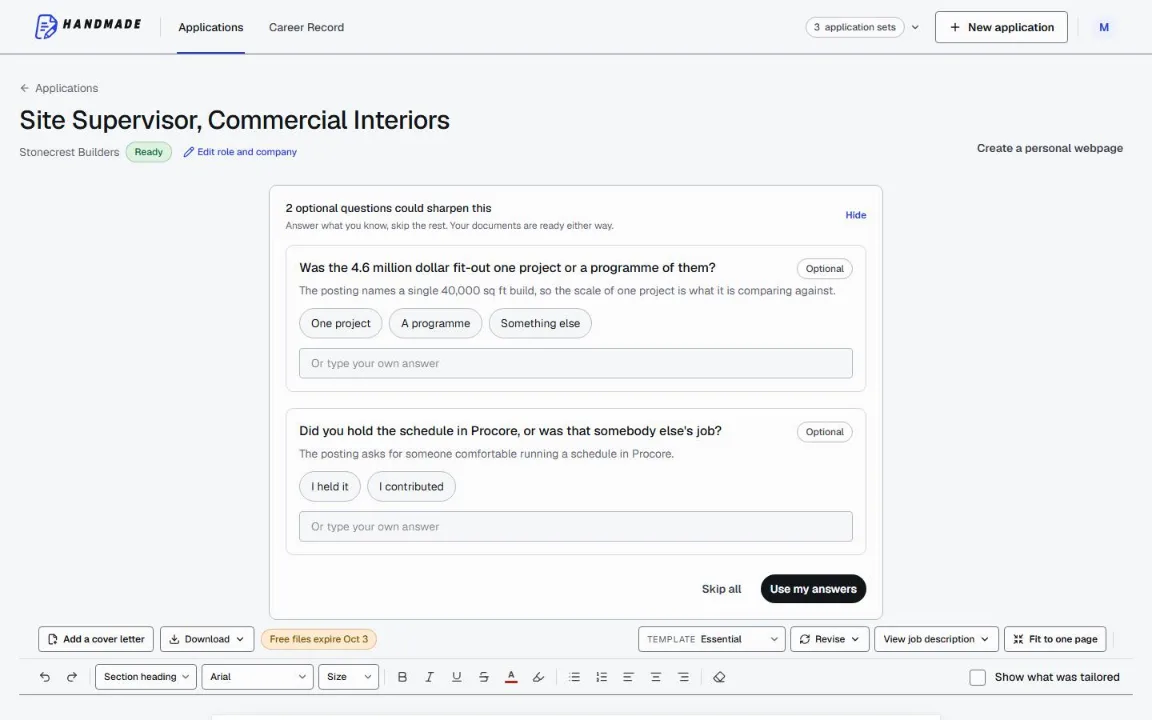
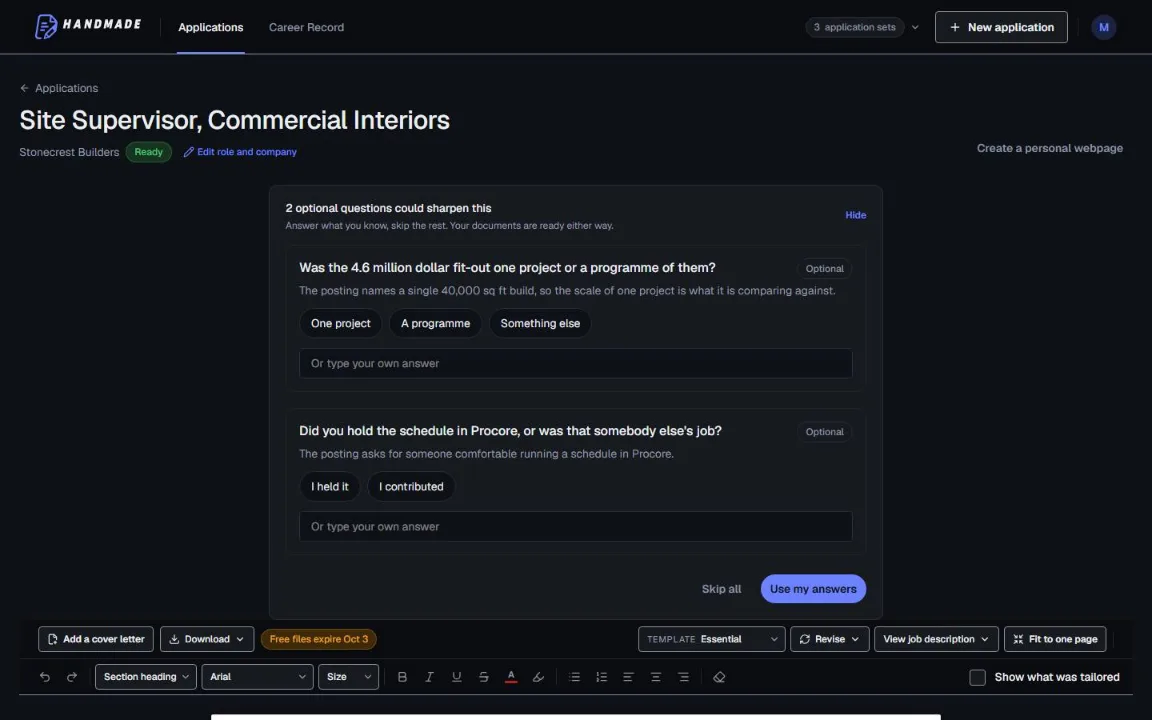
Keep your full work history in one Career Record, then tailor the top of your resume for the role you want. You can edit every line before downloading a format-checked PDF or DOCX.
2 complete application sets free, at the same quality as a paid plan. No card required.