What to include on a personal resume page
What belongs on a public one-page resume, what stays in the file you send, and what stays private.
7 minute readPublished Updated
Short answer
Put on the public page what a stranger needs in order to decide whether to contact you: a headline, a city-level location, selected experience, skills, education, one link, and a work email address or a contact form. Keep your phone number, full postal address, date of birth, identity numbers, referees' details and salary off it, because a public page is read by anyone, kept indefinitely and copied without asking. The page is a public summary of your resume, not a copy of the file you send.
Do this next
- Start from your finished resume and strike every line that says where you live, when you were born or how to reach a referee.
- Replace your phone number with a work email address or a contact form.
- Write one headline that says what you do, and keep the location to a city.
- Choose the roles and projects that show your direction rather than the whole history.
- Open the finished page in a browser you are not signed in to and read it as a stranger would.
A public page and the file you send are different documents
The resume file goes to a named recipient for a stated purpose, and even then you lose control of where it is forwarded. A public page has no recipient at all. Anyone with the address reads it, search engines may index it, and copies are made without your knowledge and kept after you have changed the page. Every decision about what to include follows from that difference.
So the page is edited down from the file, never the other way round. Content that exists to let a reader decide whether to contact you belongs on it: what you do, where you are, what you have done, how to reach you. Content that exists to identify you administratively, to pay you or to check your background belongs on the file you send, or on the employer's own form later, or nowhere public at all. A useful test is whether you would be comfortable seeing the line on a poster in a railway station with your name above it.
What belongs on the public page
The public set is small and it is enough. Each item below gives a reader something to act on without giving a stranger something to misuse. Write it in the same plain style as the resume, and keep every fact consistent with the file, because a reader who has both will compare them.
- A headlinewhat you do, in one line, without a job title you have not held.
- A location at city level, with a note on remote work or relocation if either is true.
- A short summary of two or three lines that could only be about you.
- Selected experienceemployer, title, dates and one or two results for the roles that show your direction.
- Skills you could be questioned on, named as the field names them.
- Educationthe qualification, the institution and the year.
- One link that worksa portfolio, a code repository, publications or a professional profile.
- A way to reach you that is not your personal phone number: a work or dedicated email address, or a contact form.
What belongs only on the file you send
Some details are right on a resume sent to one employer and wrong on a page anyone can read. They move onto the file at the moment there is a recipient, and they stay off the page indefinitely. The market you apply in decides a few of them; our market guides cover what each country expects on the document itself.
- Your phone number, once there is a named person to give it to.
- A full postal address, in the markets that still expect one on the document.
- The complete work history, including roles that do not show your direction.
- Referees, supplied when asked, with each person's consent and current details.
- Salary expectations, notice period and availability: in the form or the conversation, not on either document.
- Identity documents and numbers, through the employer's own channel after an offer, never on a resume or a page.
What belongs nowhere public
The list below is not about taste. Each item is either something a stranger can use to impersonate you or to contact people who did not agree to be contacted, or something an employer is not meant to weigh and should not be handed. None of it helps a reader decide whether to get in touch, which is the only job the page has.
- Date of birth and age.
- National identity, tax, social insurance and passport numbers, in any country; our market guides explain the local ones.
- Bank details, and any image of an identity document or a signature.
- Your street address.
- Marital status, children, religion, and any other detail an employer is not meant to consider.
- Referees' names with their contact details; they are somebody else's private information.
- Current or past salary.
- Anything about a current employer's work that is not already public.
A fictional page outline
The outline below describes the shape of the fictional example page on this site: Maya Chen, a product designer in Calgary, who is invented and not a real person. It shows what a page holds and in what order, not what any real page says.
- Headlineone line saying what she does and for whom, with no target title.
- LocationCalgary, Alberta, and nothing more precise.
- Contactone email address and one portfolio link, with no phone number.
- Summarytwo lines on the kind of design work she does and how she works.
- Selected experiencetwo design roles, newest first, each with employer, title, dates and one or two results.
- Projectstwo or three pieces of work, each in a sentence, with the detail living behind the portfolio link.
- Skillsthe tools and methods she would be comfortable being questioned on.
- Educationthe qualification, the institution and the year.
- Not on the pagestreet address, date of birth, phone number, salary, referees, and any client detail that is confidential.
How the personal webpage here works
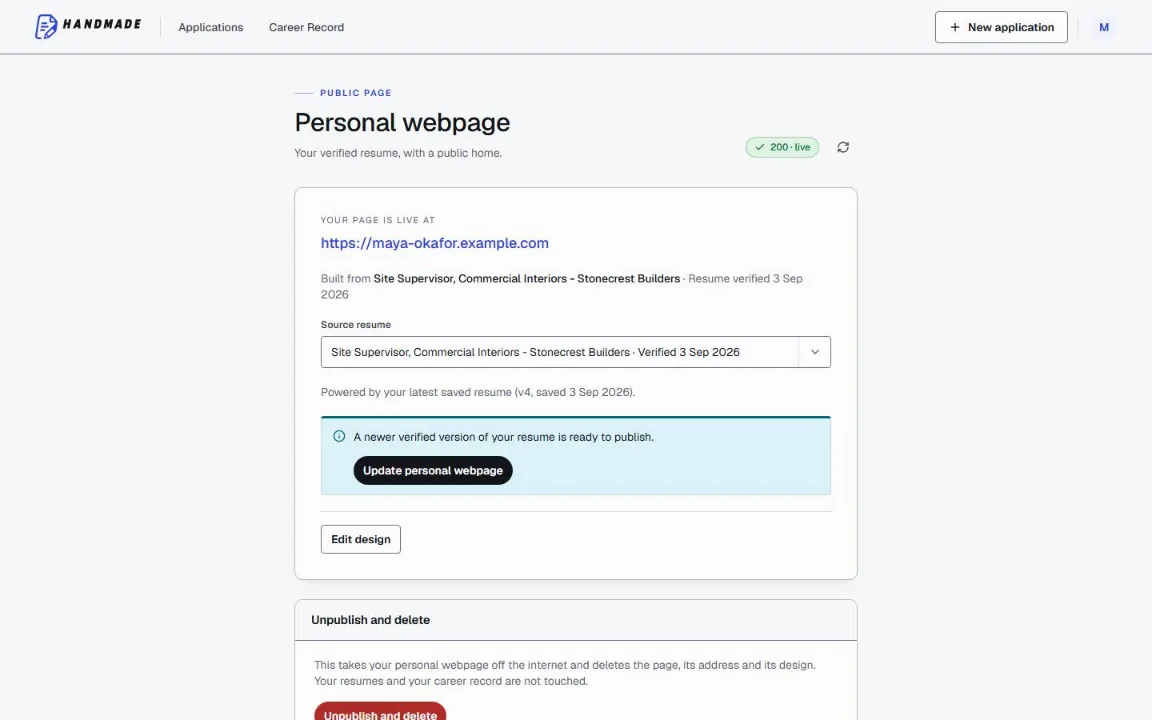
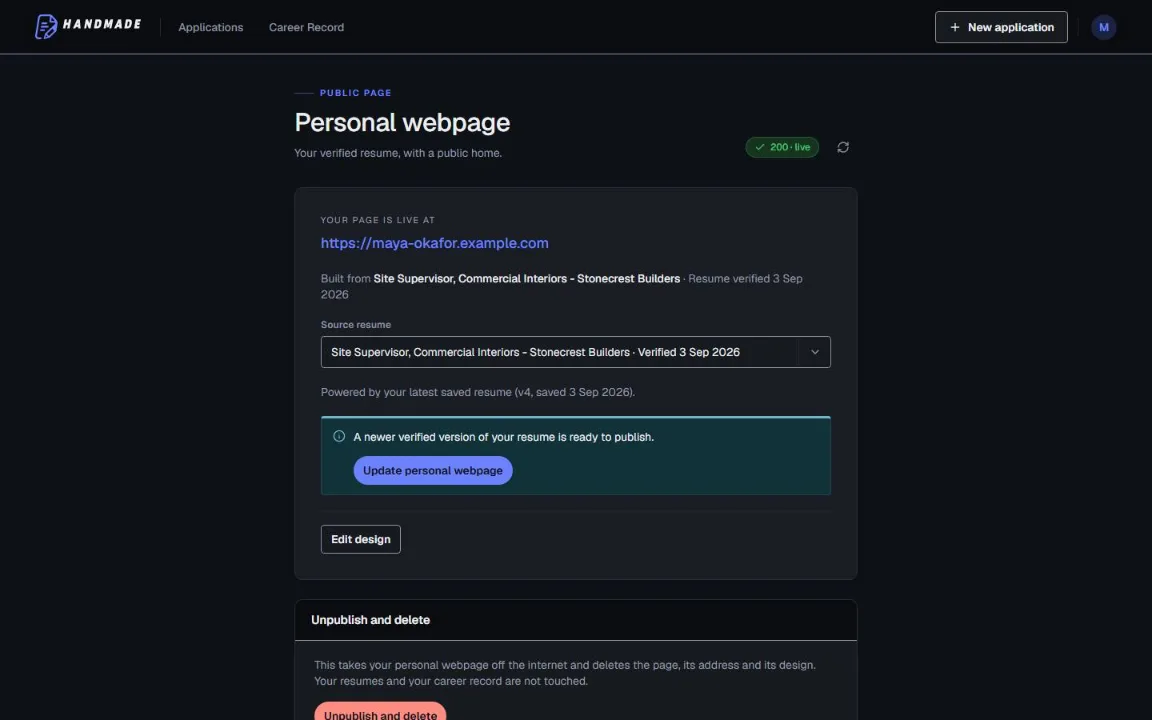
A personal webpage here is built from a resume that has already passed its checks: either your master resume or the verified resume of one of your applications. There is one page per account. It is private to search engines until you turn indexing on, and you can unpublish it. Your email address, your phone number, your location and each link are separate switches, so each of those is shown or hidden on its own, which is how the public set described above is kept apart from the details that stay on the file you send.
Common questions
Should my phone number be on my public resume page?
Should the page show my whole work history?
Can I list my references on the page?
Will a public page cause problems with my current employer?
Should I put a photograph on the page?
Use this in Handmade Resume
Keep your full work history in one Career Record, then tailor the top of your resume for the role you want. You can edit every line before downloading a format-checked PDF or DOCX.
2 complete application sets free, at the same quality as a paid plan. No card required.