Using an AI chat assistant to write your resume
Strong models on reasonable subscriptions. The gap is what sits around them: no approved record, no boundary between documents.
9 minute readPublished Updated
Short answer
Use one, and rebuild by hand the two things a chat window does not keep for you: a written list of the facts you are willing to defend, and a separation between one application and the next. The writing is rarely the weak part. Nothing in the window records what you confirmed, and everything still sitting in it stays available as material for the next answer.
Do this next
- Write down, outside the chat, the facts you would be happy to be questioned on.
- Start each application in an empty window instead of continuing yesterday's thread.
- Ask for one line at a time, so you can see exactly what each answer changed.
- Check every date, number, employer, and credential against your own file, not the draft.
- Paste the final text into a plain editor and rebuild the layout in your own document.
The models are good, and that is not the argument
The general-purpose assistants are strong writers. Plenty of people get a better document out of one. We run large language models ourselves, so any claim that ours is smarter would be unprovable and false. Whose model is better is not the question this page asks.
The question is what the surface around the model keeps track of. A chat window is one finite, unversioned context, and you police it yourself. A resume is a document of record, and every line in it has to survive an interview months later. Every friction below comes from asking one of those to do the other's job.
Three properties of a chat window drive all of it, and you can check each against your own experience. There is no record of which facts you approved. Earlier turns can be compacted or fall out of active attention as the conversation grows. Nothing shows you which of your real facts a given sentence came from.
There is no record of what you approved
A chat window does not constrain its output to facts you have confirmed, because it gives those facts nowhere to live. That is how the interface works, and no prompt changes it. So the common failure is never a wild invention that leaps off the page. It is a one-word upgrade you skim past on the third read.
A resume raises a question a chat window cannot answer. Which facts here did I approve, and when? It never asked you the first half, so the checking falls to you, every time, on every draft. Our guide on checking an AI-written resume for invented claims covers which classes of claim carry the risk. What follows is narrower. It is the drift a chat window produces on its own.
- A verb creeping upwardmanaged becomes grew, contributed becomes led, helped becomes owned.
- A tool from the job description appearing in your skills section because it was in the window.
- A bracketed placeholder sitting where a number should be, waiting to be shipped by accident.
- Two roles blurring into one, with an achievement quietly moving to the more impressive employer.
A long conversation compacts what came earlier
A chat window holds a finite amount of text in active attention. Once a conversation grows past that, the earlier turns stop being present in full. Depending on the product they are summarised, trimmed, or dropped. That is sensible engineering for a conversation and poor engineering for a page of claims you will be asked to defend.
Past a certain length, the resume you pasted at turn one may no longer be the document in front of the model. What remains is a summary of it, or nothing. Nothing announces the crossover, and the transcript still looks complete, because it is. Active attention changed. The screen did not.
Test it on your own file. Paste a resume, work through several job descriptions in the same window, and watch whether the later drafts drift toward generic phrasing or drop a role. Nothing was deleted. You simply cannot list what the model is working from at any moment, which is fine for a conversation and unacceptable for a document of record.
Everything in the window becomes a source
A chat has no boundary between documents. Whatever else is in the window is available as material: an earlier job description, a paragraph you pasted for a different application, a half-finished cover letter, notes about somebody else's role. The model has no way to know which of those describe you, because nothing in the interface marks any of it as yours.
That leaves two options. Start a fresh window and you rebuild every fact by hand, every time. Reuse an old one and you inherit whatever else is in it, including material that has nothing to do with this application or with you.
The subtle version does more damage than the obvious one. A wrong employer gets caught. A sentence that ties your real experience to a phrase lifted from the posting, in a way that is not quite true, reads perfectly well and survives to the interview, where somebody asks about it.
A message is not a document
The output of a chat is a message. A resume is a file. Nothing enforces the difference, and copy-paste is the only export path, so the seams end up in the submitted application: a preamble sentence at the top of the page, a bracketed instruction nobody removed, a font and bullet style pasted in from the answer, headings that stopped being headings when they crossed the clipboard.
Uniformity is the other seam. Everyone starts from the same blank prompt with the same request, so everyone lands in the same place, and a reader who has seen forty of them recognises the shape. Nobody spots the model. They spot that nobody edited it and nobody added anything only they could have supplied.
Do not let an AI detector push you into rewriting sentences that are true. A detector sees the text and nothing else. It scores how ordinary your phrasing is, and words you have used for years do not become suspect because a model likes them too. Add the specifics instead. That is what a reader notices.
How to use a chat assistant without getting burned
Using one is the right call. Anyone telling you to apply by hand while employers automate their own side is not on your side. What follows rebuilds the harness manually. Read it as a cost estimate as much as a method, because this is the work the interface leaves to you, repeated for every application.
- Start a new window per application, and paste only your own history and the one posting.
- Put your anti-fabrication instruction in every prompt, not just the first one in the thread.
- Ask for a rewrite of a specific line rather than a whole document, so you can see what changed.
- Review in a second fresh window that never saw the drafting, with only the finished text pasted in.
- Check every date, number, employer, and credential against your own records rather than the draft.
- Strip the output into plain text, then rebuild the formatting in your document rather than pasting it.
- Keep your own file of approved facts outside the chat, because the chat will not keep one for you.
What a structured pipeline does instead
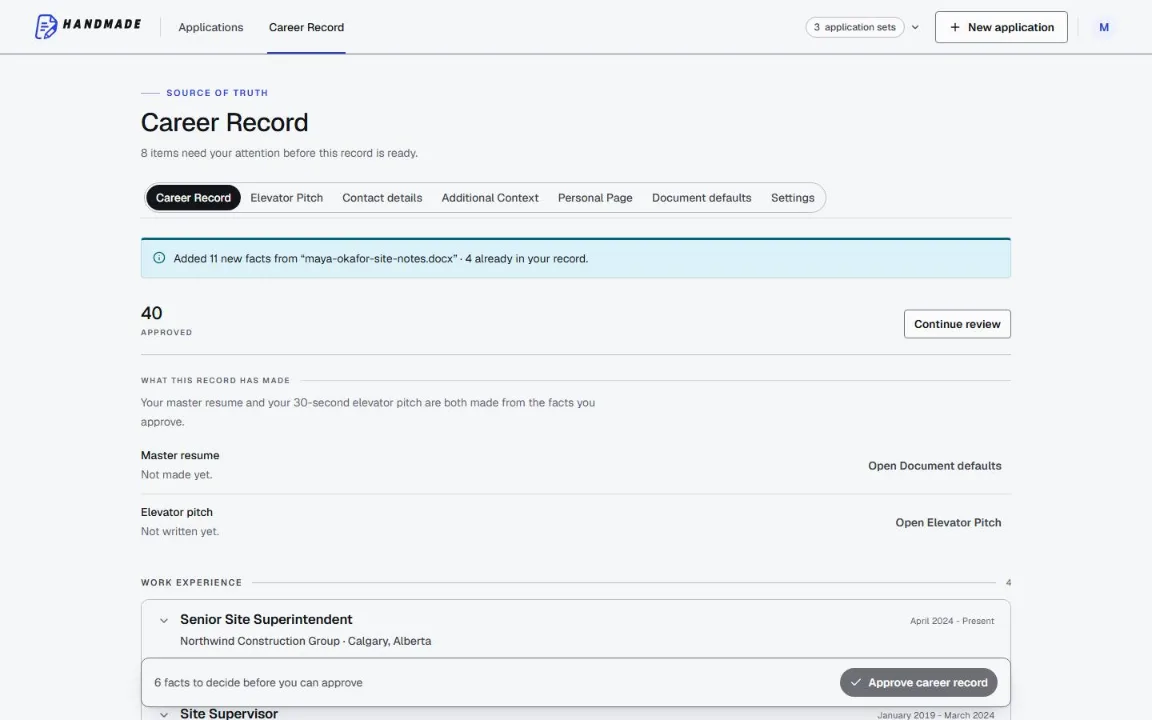
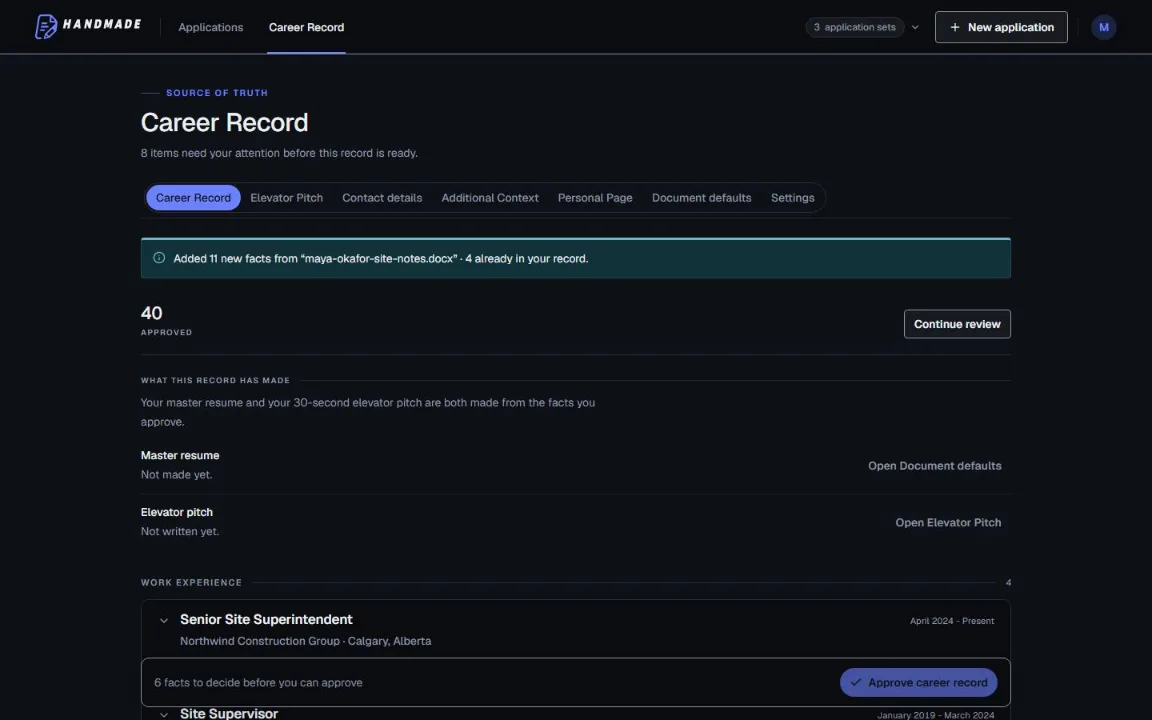
What replaces the window is a record. You approve a career record once, so each employer, date range, project, credential, and number becomes a fact you confirmed, in a version you can point at. Generation is constrained to that record, and the finished document is checked back against it. A line that goes further than your record is written back down to what the record supports, and anything still left standing is pointed out to you rather than quietly kept: a prompt to look at, not a locked door. Those checks run on every document, for every account, with nothing to enable and nothing to buy.
One application is kept apart from the next in the same way. A cover letter is written from the finished resume for that application, the posting, the direction you saved for letters in your Career Record, and the optional note you add for that application; each stage works from stored records rather than conversation history, so the letter has no source to draw an invented accomplishment from, and its draft is checked against your record before you see it. Approved versions are immutable, so a correction creates a new version instead of quietly editing the old one. Contact details are kept out of the prompts and placed when the file is rendered; the one exception is a scanned or photographed page, which has to be read as an image, and that transcript is redacted before anything else reads it.
The difference shows up on the twentieth application rather than the first. Approving your facts once means each new posting costs a mapping step instead of a rebuild, and the record of what you claimed stays in your account until you delete it, for when a recruiter calls about something you wrote weeks ago.
Common questions
Is it wrong to use a chat assistant on my resume?
Can a better prompt fix this?
Do you use large language models yourselves?
Will a recruiter be able to tell?
Why does the assistant keep forgetting my resume?
Is it safe to paste my whole resume into a chat?
Use this in Handmade Resume
Keep your full work history in one Career Record, then tailor the top of your resume for the role you want. You can edit every line before downloading a format-checked PDF or DOCX.
2 complete application sets free, at the same quality as a paid plan. No card required.